Features
reader follows the classic Google Reader layout and keeps what worked about it: feeds on the left, a dense list in the middle, the article on the right. Everything below runs in the desktop app and the hosted web service alike, and you can try most of it in the demo without installing anything.
A one-minute tour, narrated:
Follow anything that publishes
Section titled “Follow anything that publishes”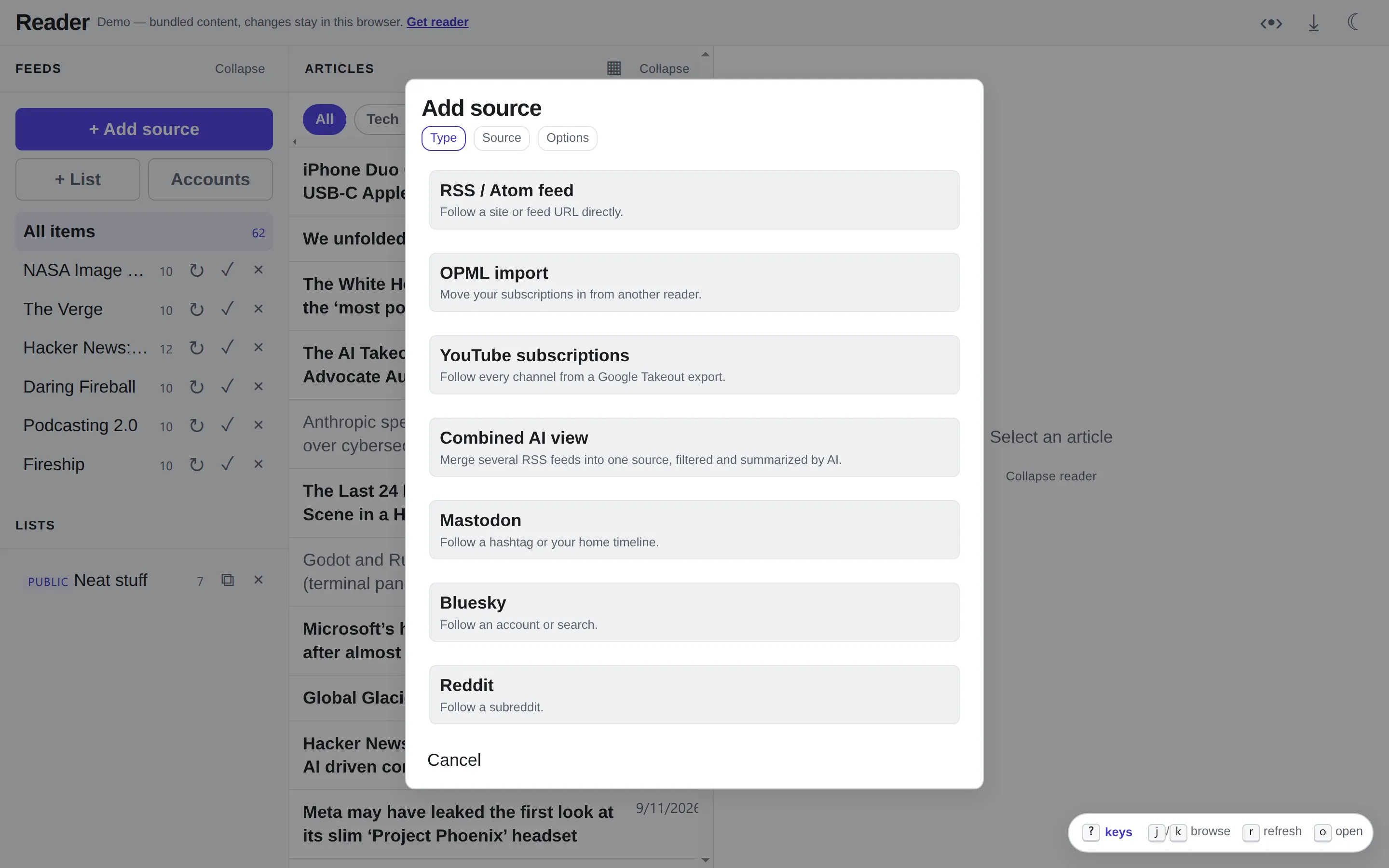
- Every feed format. RSS 2.0, RSS 1.0, Atom and JSON Feed, plus IndieWeb
sites that publish no feed at all but mark their posts up as
h-entry. Paste a home page and reader finds the feed. - Your old reader’s subscriptions. OPML import takes the export from Feedly, Inoreader, FreshRSS and the rest, up to 500 feeds at a time.
- Your YouTube subscriptions. YouTube has no subscriptions feed, so
reader reads the
subscriptions.csvfrom a Google Takeout export and follows each channel’s own feed. Videos play right in the reader. - History, not just the latest page. Feeds that link to older pages
(RFC 5005, JSON Feed
next_url) fill in up to ten pages when you subscribe.
Adding sources has the details.
Private feeds
Section titled “Private feeds”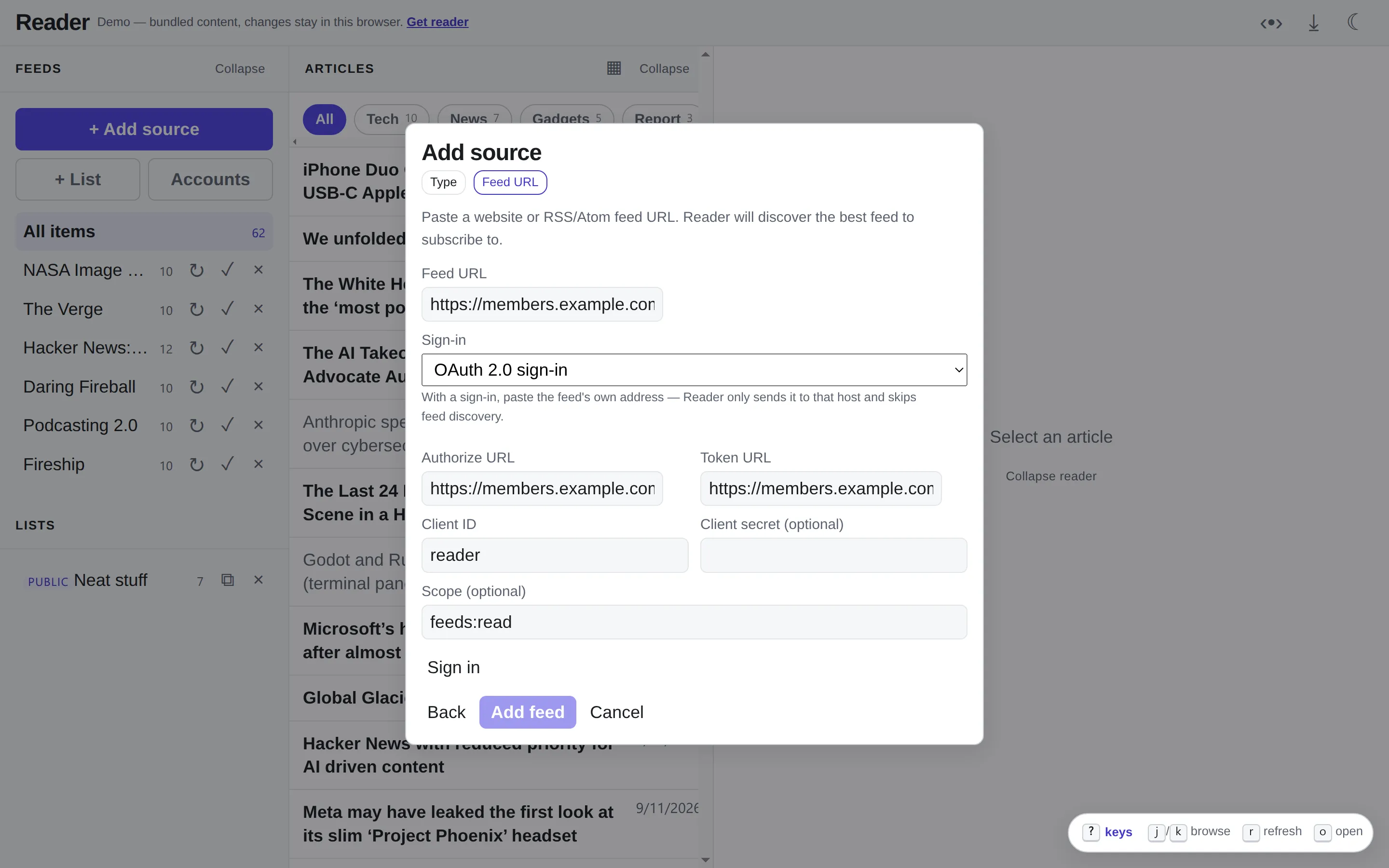
Paid newsletters, members-only podcasts and internal feeds can sign in with a username and password, an access token, or OAuth 2.0 with PKCE. A sign-in is bound to the feed’s host: reader refuses to send it anywhere else, even when the feed redirects.
Podcasts
Section titled “Podcasts”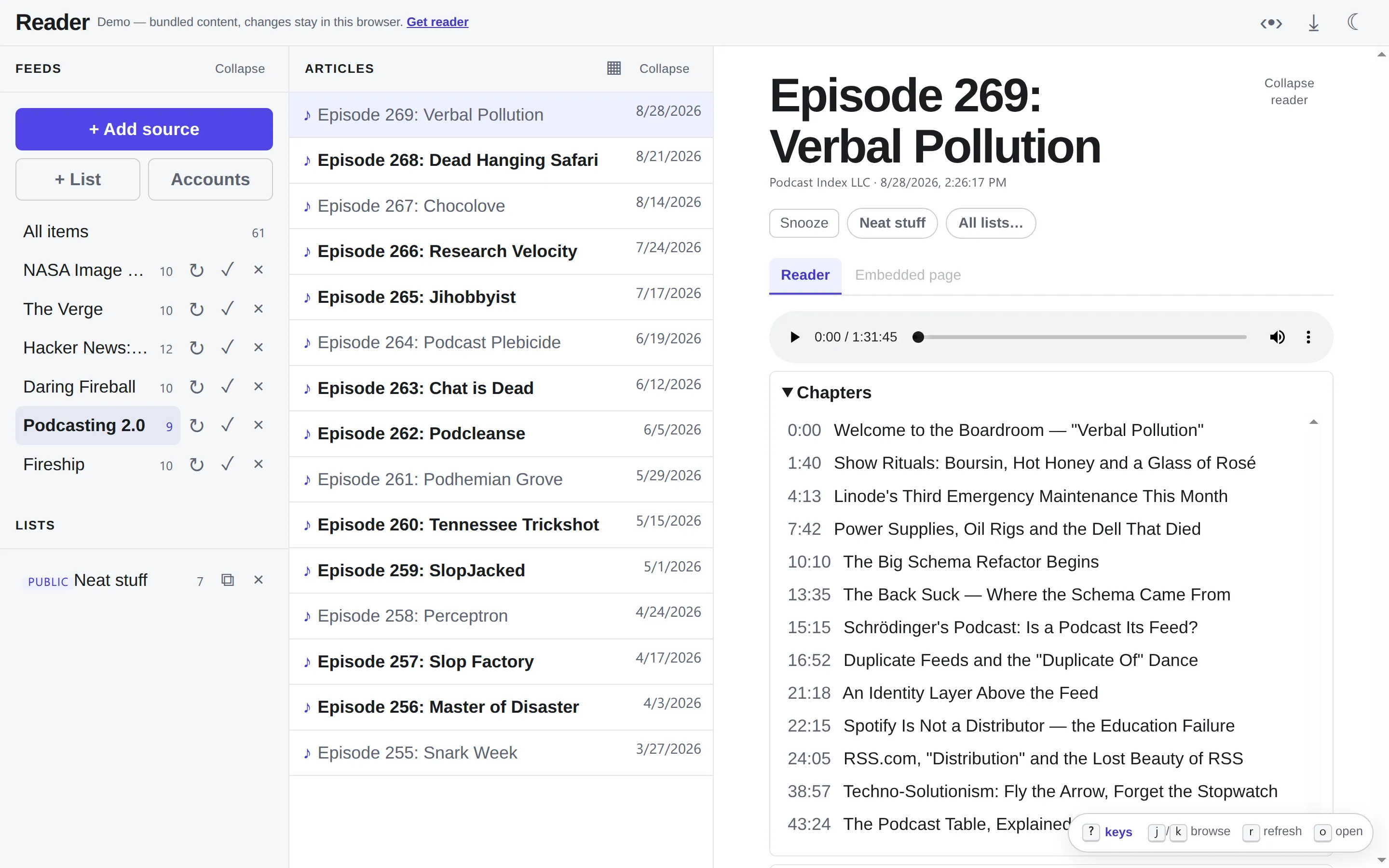
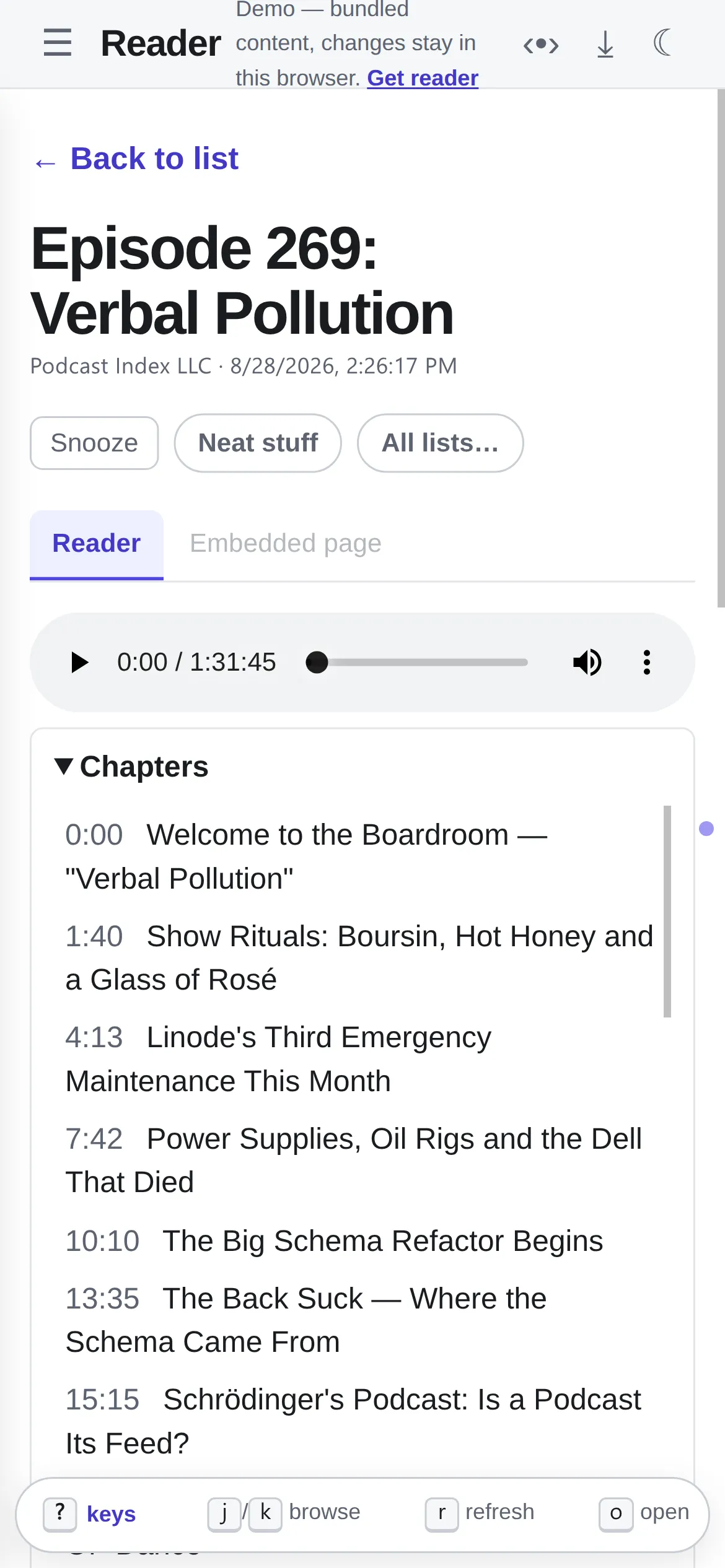
Episodes play in the reader. Shows that publish Podcasting 2.0 chapters and transcripts get both under the player; click a chapter or a transcript line to jump there. New episodes arrive as soon as the host announces them on Podping, instead of at the next poll.
More in Podcasts.
Social timelines, filtered
Section titled “Social timelines, filtered”Ingestors bring Mastodon (a hashtag or your own home timeline), Bluesky and Reddit in as feeds. An LLM can score each post from 0 to 10, drop what falls below your threshold, and write a clean title and summary for the rest. Posts can arrive one by one or as hourly or daily batches. Mastodon and Reddit sign in through OAuth, so no password is stored. Mastodon and Bluesky posts arrive in real time over the Mastodon streaming API and Bluesky’s Jetstream. A Combined AI view does the same filtering over several of your own RSS feeds.
See Ingestors.
Reading
Section titled “Reading”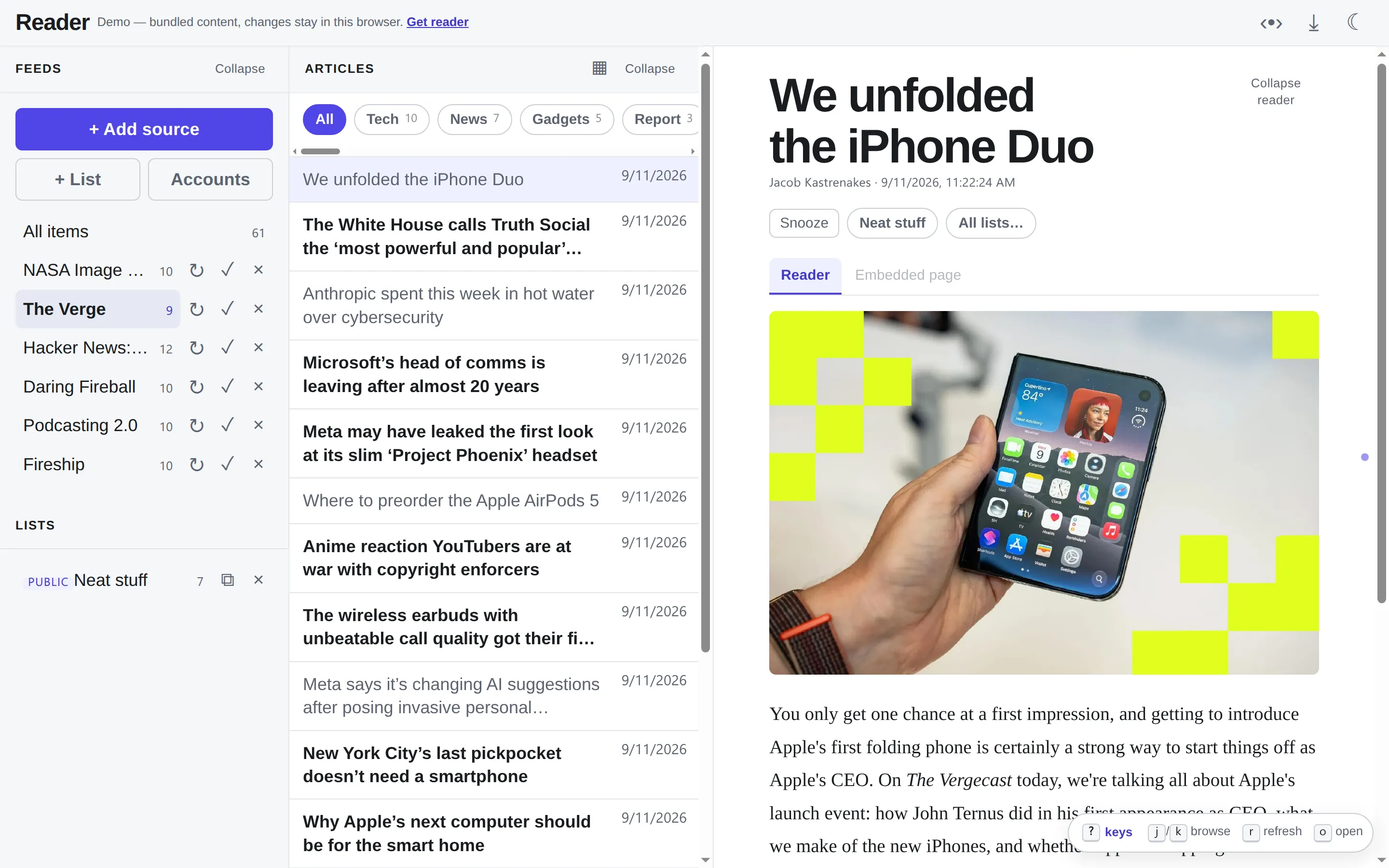
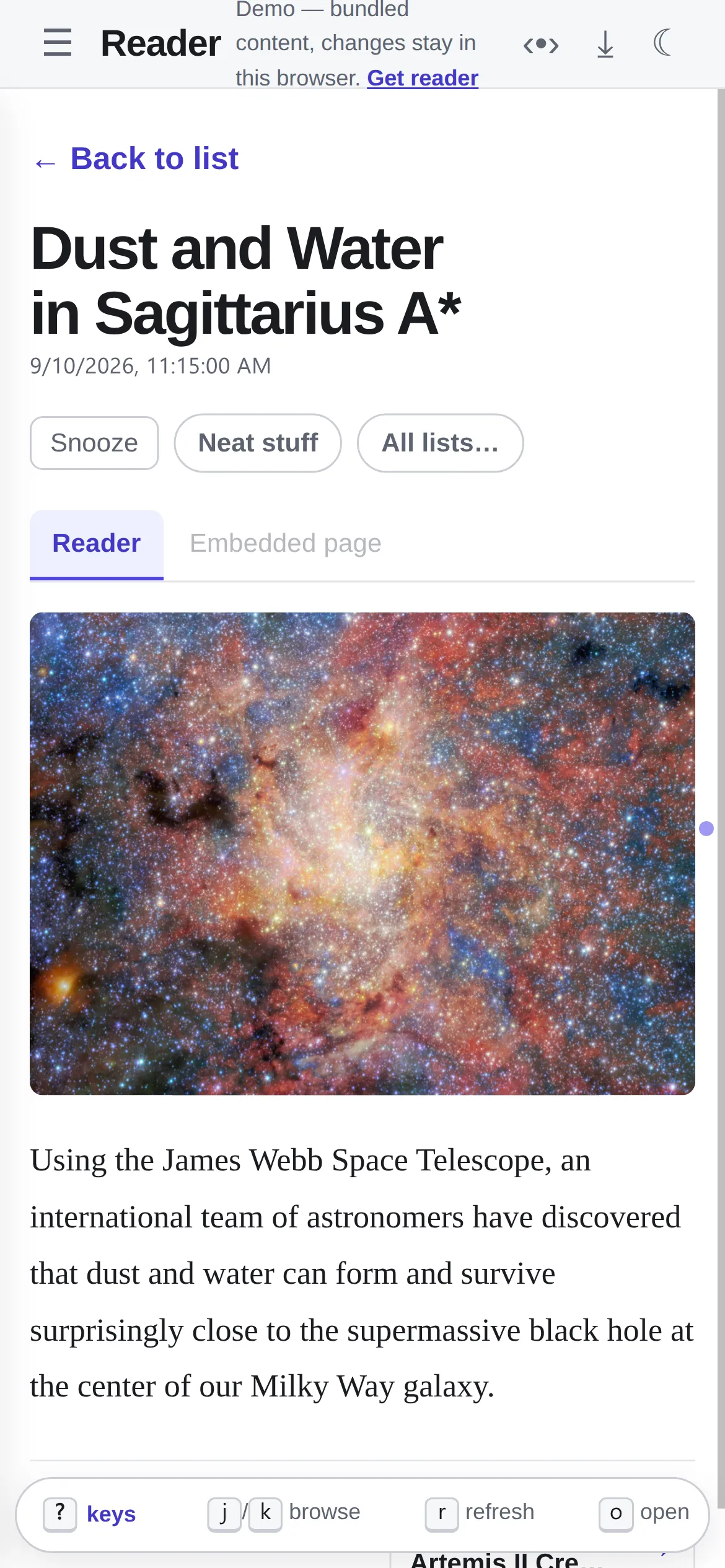
- Three panes that collapse and resize, a single-pane flow on phones, and swipe between articles.
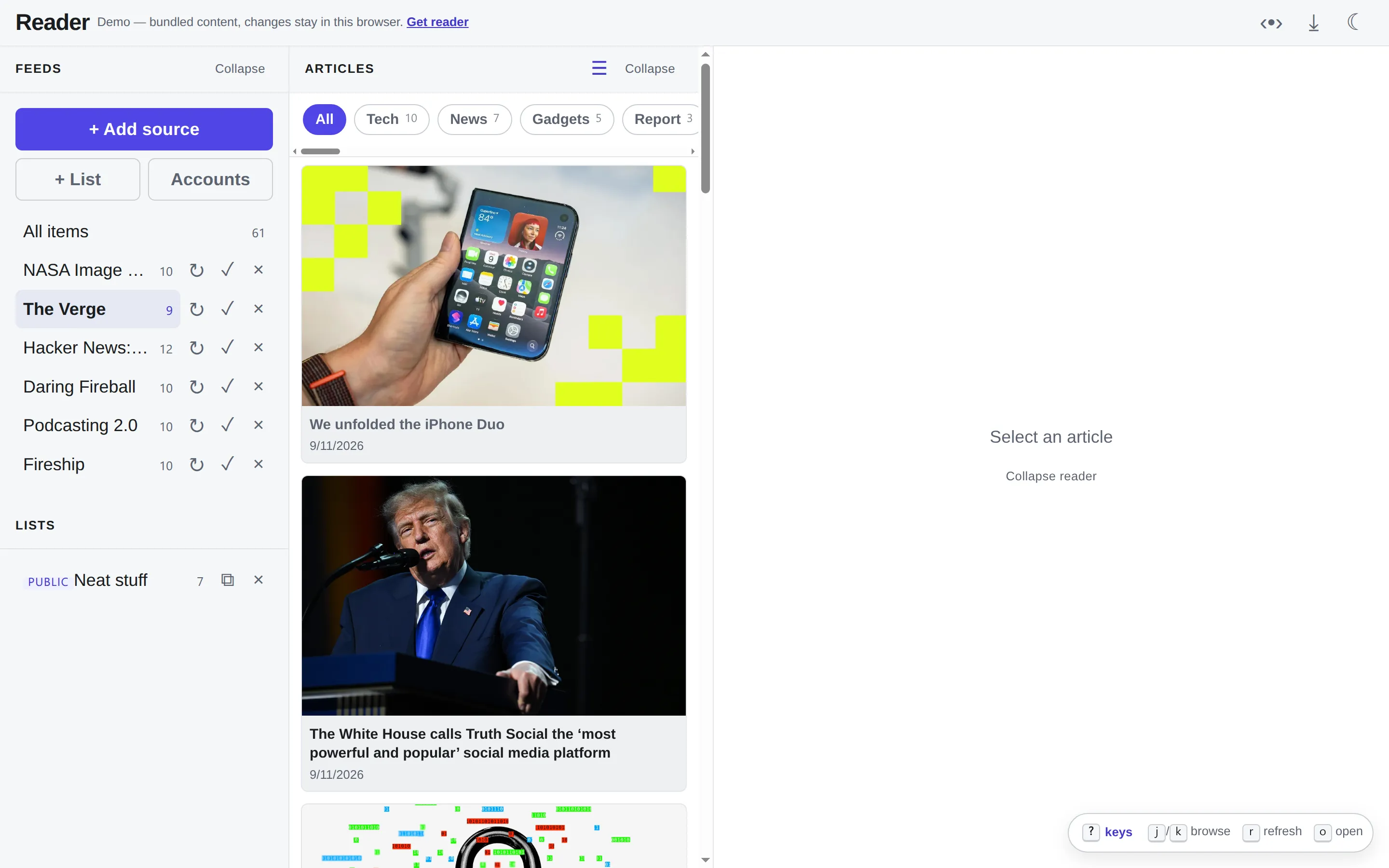
- A pinboard view: an image-led card grid, one click from the list.
- Unread-only navigation. Dots mark unread neighbors, and a header toggle makes previous/next skip what you’ve read.
- Subject filters built from each feed’s categories.
- Snooze an article until later today, tomorrow or next week.
- Saved lists. Make one public and it becomes a curated feed: the things in a topic you’d pass on, picked from everything you read, for others to follow.
j/kto move, snooze keys, and keys you choose for saving to lists.
Runs quietly, and stays yours
Section titled “Runs quietly, and stays yours”reader keeps everything in an embedded SQLite file and needs no account; the desktop app and the hosted service run the same code. The server binds 127.0.0.1, and since sign-in redirects go through your browser and real-time streams connect outward, neither needs a public address.
It polls politely: conditional GET, intervals that adapt to how often a feed
changes, and respect for a feed’s ttl, Cache-Control and Retry-After.
Article HTML is sanitized on the server before the browser sees it, and
outbound fetches refuse private addresses.
Configuration lists every switch; HTTP API documents every endpoint.